💣
Boom Room
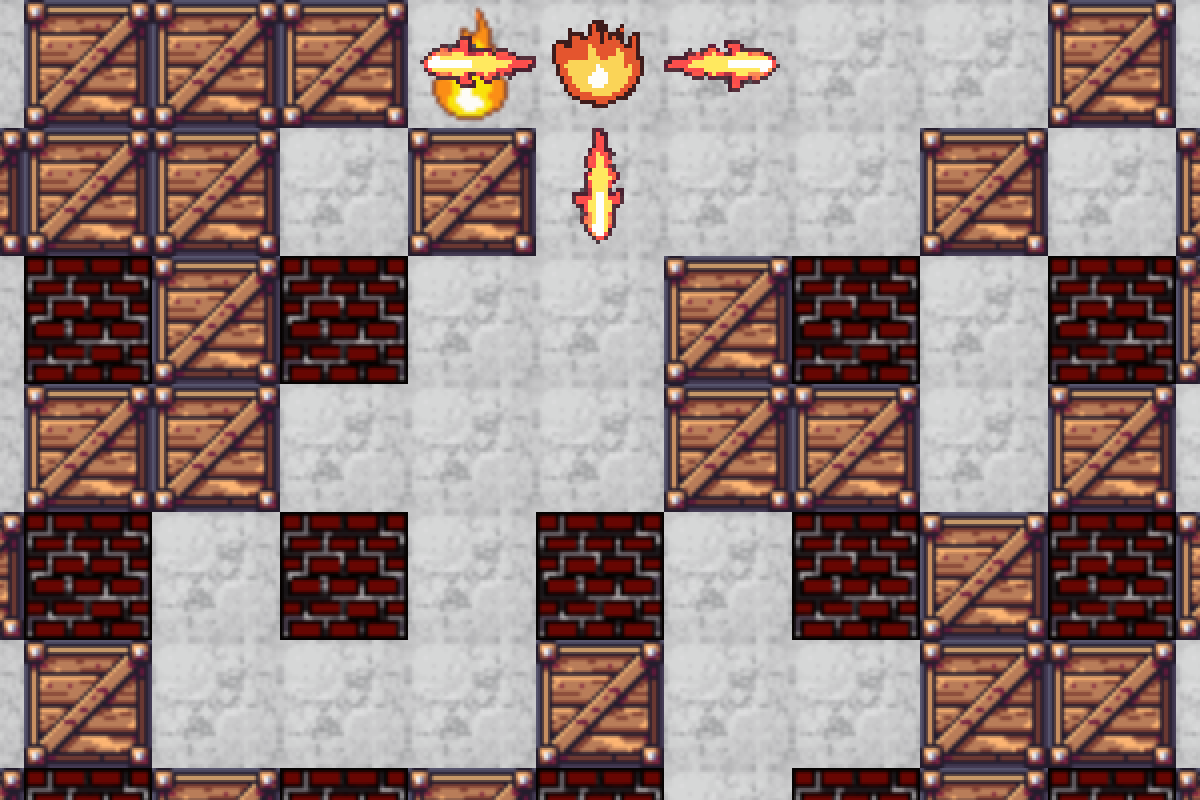
Drop bombs, dodge your teammates, and be the last player standing.
Quick games for remote teams
Play quick multiplayer games, climb the team leaderboard, and send the results straight to Slack.
In the room




David (host), Anna, Tom and Mia
Tonight’s game
The line-up
Choose a game, share one link, and start playing in under a minute.
Drop bombs, dodge your teammates, and be the last player standing.
Fly, shoot, survive, and try not to blame the controls.

Answer questions, predict your teammates, and find out who’s actually on the same wavelength.
How it works
Choose what your team wants to play.
Drop the room link into Slack, Teams, Meet, Zoom, or wherever your team hangs out.
Everyone joins from their browser. No downloads and no player accounts.
primecade saves the scores, updates the leaderboard, and gets the rematch ready.
Leaderboard
Pick a time. Play for points.
Your primecade dashboard tracks wins, points, rankings, streaks, recent matches, and monthly champions.
See who is climbing, who is falling behind, and who has been talking far too much for someone ranked seventh.
Anna
🔥 5 wins
1,240
▲ 2
David
1,180
▼ 1
Tom
940
—
Mia
760
▲ 3
🏆 Boom Room results
Anna moves to #1 in this month’s primecade ranking.
Slack
Connect primecade to Slack and automatically share game results with your team.
Post final scores, updated rankings, weekly recaps, and tournament winners directly to your team channel.
No spreadsheets. No manual scorekeeping. Just instant bragging rights.
When to play
Wake everyone up before discussing sprint velocity.
End the meeting with something people actually remember.
Turn the last ten minutes of the week into an ongoing team rivalry.
Skip the awkward icebreaker questions and start playing instead.
Pricing
primecade is free while we build the best place for remote teams to play together.
Create a room, invite your teammates, track the scores, and start your team leaderboard.
Insert coin
Pick a game, share one link, and find out who is dangerously competitive.
FAQ
Yes. primecade is free to play.
No. The host creates a room and everyone else joins through a link.
No. primecade runs directly in your browser.
Most games take between 5 and 10 minutes.
Yes. The team picks game times together, and every scheduled game scores toward a monthly leaderboard — results, points, streaks, and long-term rankings in your team dashboard. Games outside the schedule are practice.
Yes, and connecting takes one click. primecade creates an #primecade channel for you during the install and starts posting game results, leaderboard changes and weekly recaps there — you can move it to any channel you like afterwards. Slack is entirely optional: the games are free to play without it.
Open the play link primecade posts in Slack — or go to Find your team and sign in with Slack. Either way that browser is linked from then on, and your results carry your name automatically.
Yes. Keep your Meet, Zoom, or Teams call open and play primecade in another browser tab.